Getting Started with Attachment Download
Attachment Download is an add-on to streamline the collection of job files in one place. Whether you're needing to archive for compliance or upload to a third part site, Attachment Download makes it easy to extract files from individual jobs. In this article, we will walk you through 2 ways to get started using the add-on.
To get started, you visit https://attachmentdownload.net where you will sign up for an account. After that, you will connect your Jobber account. You can do that from with the "App" section of your account or by visiting https://attachmentdownload.net/jobber/attachment-download/authenticate/.
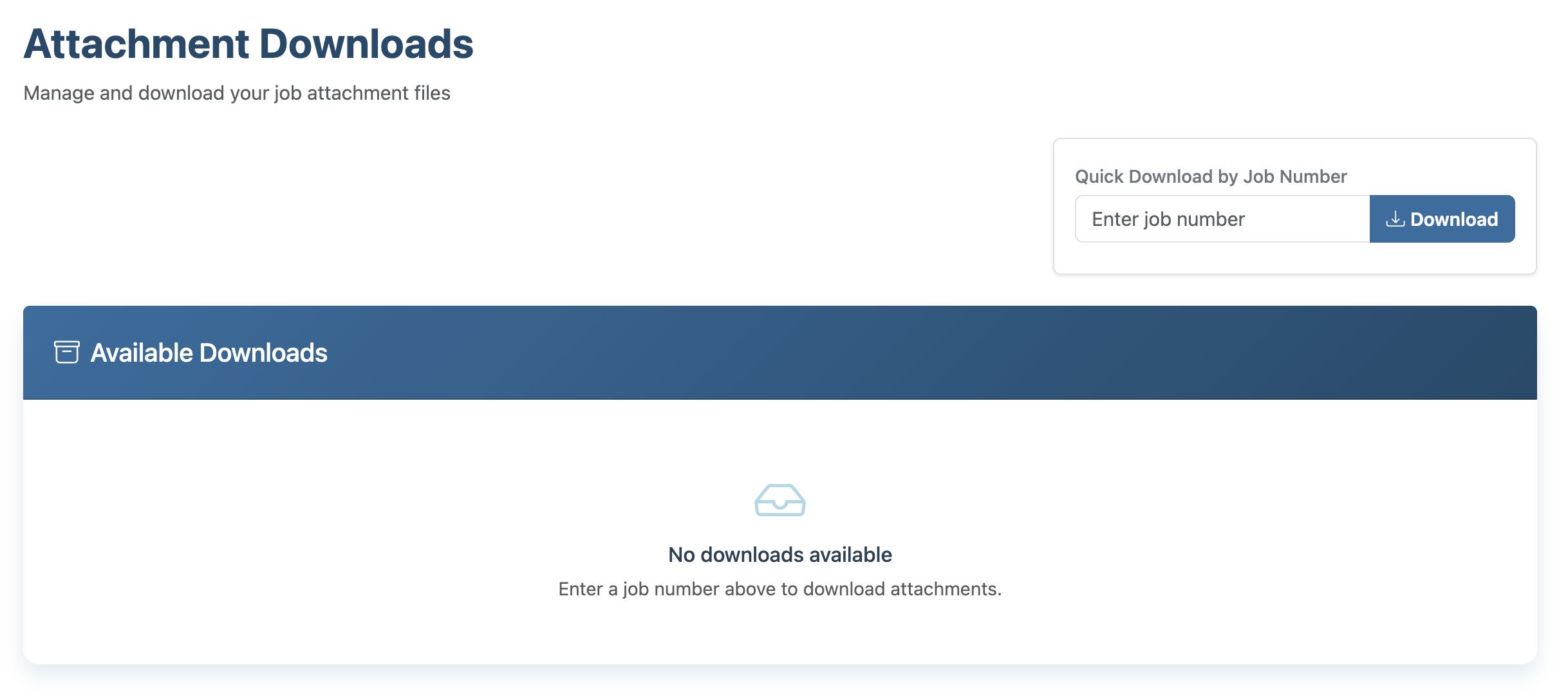
Once you've setup your account, you can then archive a job, and the job will automatically process. For more information on different Jobber job statuses, please visit this link. Additionally, you can visit the Attachment Download dashboard, enter a job number, and process the files as well.